

 By
By Introduction
Silence from your JVC car stereo after connecting via Bluetooth can be quite the annoyance. No cherished playlists, no seamless hands-free calls, just unwelcome quietness. Thankfully, diagnosing and fixing why there’s no sound from your car stereo is straightforward with some troubleshooting and understanding of your stereo’s Bluetooth features. This guide will lead you through the potential causes of this issue and offer clear steps to restore your enjoyable audio experience on the road.
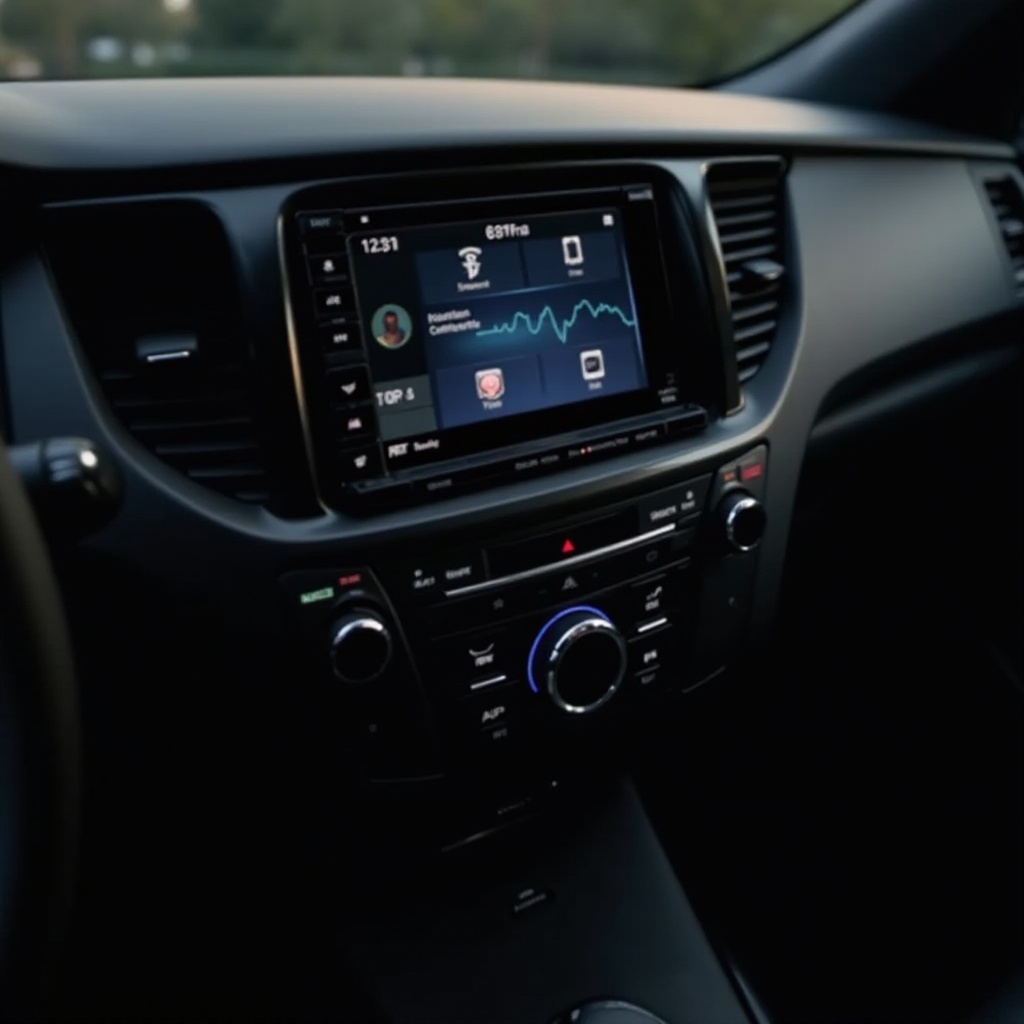
Understanding JVC Car Stereo Bluetooth Features
Bluetooth connectivity in JVC car stereos enhances the driving experience by allowing seamless music streaming and hands-free calling. To maximize these features, ensuring their proper functionality is key. Your JVC stereo setup includes pairing your smartphone with the device, accessing an intuitive interface, and controls tailored for audio preferences. Staying informed about your stereo’s Bluetooth capabilities and settings helps maintain peak performance. With a stable connection in place, your car’s sound quality remains as intended.
Creating a baseline of Bluetooth understanding allows for a more precise approach to diagnosing sound issues. Knowing your stereo’s features forms the first step towards resolving problems efficiently.
Common Causes of No Sound from Bluetooth
Understanding typical sound issues with Bluetooth can save time and headaches. Here are a few prevalent issues:
-
Incorrect Bluetooth Pairing: Lack of sound can often trace back to incomplete or failed Bluetooth pairing. It is crucial to ensure that your device is listed as ‘connected’ in the stereo’s settings.
-
Volume Settings on Device and Stereo: Sometimes, the issue boils down to a simple volume adjustment either on your phone or the stereo itself. Ensuring both are set at a proper level can make all the difference.
-
Connectivity Interruptions or Interference: External factors such as other electronic devices or strong wireless signals nearby can disrupt Bluetooth signals.
Exploring each issue thoroughly will help in resolving sound problems effectively, ensuring minimal disruption to your audio journey.
Returning your sound to normal requires awareness of these common pitfalls and addressing them head-on.
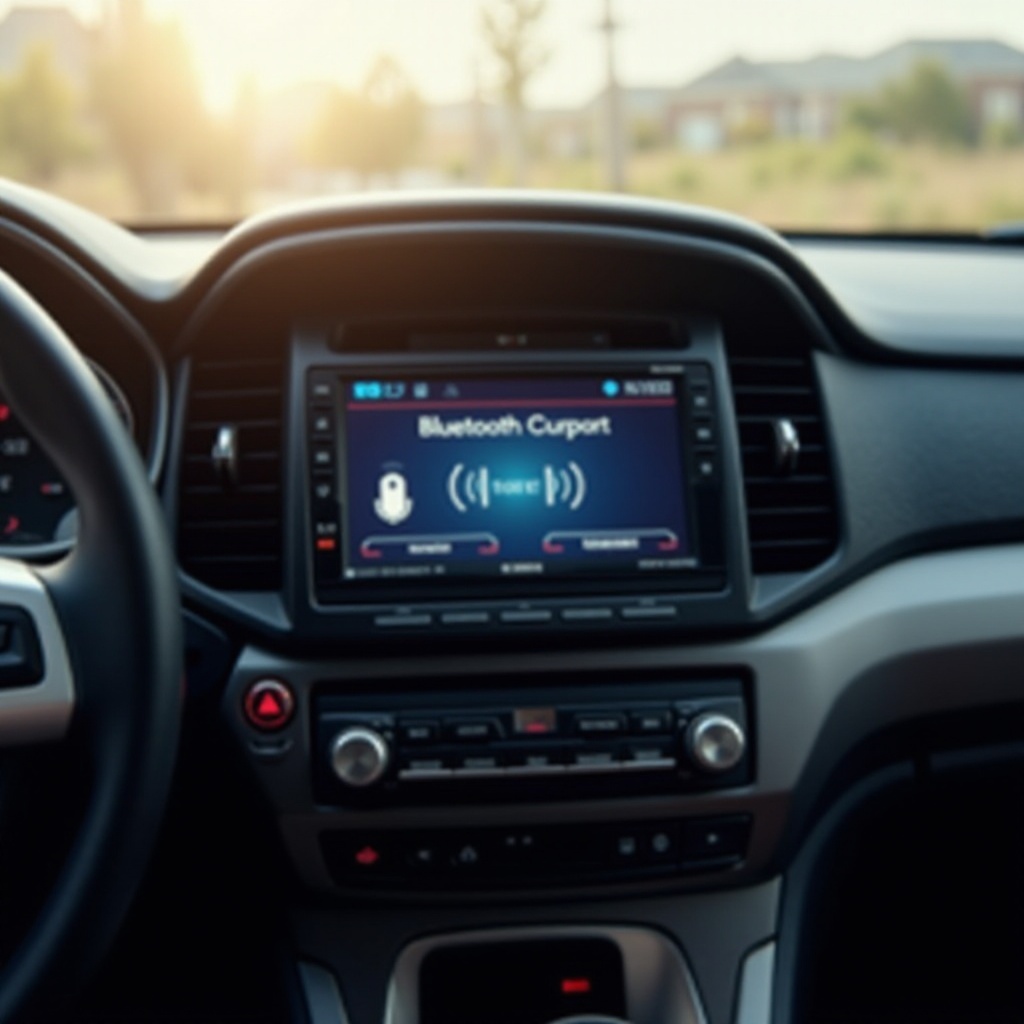
Step-by-Step Troubleshooting Guide
Now, let’s detail the steps necessary to fix your Bluetooth sound problems systematically:
- Checking Bluetooth Connections and Pairings:
- Ensure that Bluetooth is enabled on your phone and that it is paired with the correct JVC stereo device.
-
Refresh the connection by disconnecting and reconnecting the Bluetooth link.
-
Ensuring Software/Firmware is Updated:
- Regularly visit the JVC website to check for any firmware updates for your stereo model.
-
Up-to-date firmware not only resolves existing bugs but can enhance the overall performance of your stereo.
-
Inspecting Audio Output Settings:
- Verify the stereo’s audio output is set to Bluetooth.
-
On your phone, ensure that Bluetooth is set as the media playback source.
-
Resetting the JVC Car Stereo System:
- If nothing else works, perform a factory reset. Refer to your user manual for detailed instructions. A reset can often clear system glitches.
Following these troubleshooting steps should resolve the majority of sound issues encountered with Bluetooth connectivity.
Tips for Maintaining Optimal Bluetooth Performance
After addressing sound problems, ensure a smooth audio flow with these maintenance tips:
- Regular Updates and Maintenance:
-
Frequently check for updates on your smartphone and stereo. Keeping devices current ensures optimal compatibility and performance.
-
Avoiding Common Sources of Interference:
- Create a clear path for the Bluetooth signal by minimizing obstacles. This involves keeping devices that cause interference, such as other electronics, at a distance during vehicle Bluetooth use.
Implementing a maintenance routine prevents future connectivity problems, ensuring your stereo remains a reliable audio partner in all your travels.
Conclusion
Resolving Bluetooth sound issues in your JVC car stereo brings you back to a world of audio pleasure and connectivity. Paying careful attention to your stereo’s Bluetooth functionality, along with preventative measures, keeps your sound system performing at its best.
Frequently Asked Questions
How do I reconnect my phone to the JVC stereo if pairing fails?
Unpair or ‘forget’ the device from your Bluetooth settings and attempt the pairing process again by making the JVC stereo discoverable.
What should I do if my JVC stereo’s firmware update fails?
Restart both the stereo and your phone. Ensure a stable internet connection and that both devices are sufficiently charged before retrying.
Why does my Bluetooth connection drop frequently when driving?
Interference from other devices often causes this issue. Turning off unnecessary electronics and keeping your phone close to the stereo usually helps maintain a stable connection.