

 By
By Introduction
Printer fuser issues can interrupt your printing tasks abruptly, leading to frustration whether at home or in the office. The fuser is essential for bonding toner to paper, producing sharp and professional printouts. When it malfunctions, you might notice smudging, streaks, or printing errors. Knowing how to identify, troubleshoot, and resolve these issues is crucial for keeping your printer operational. This guide will help you tackle common fuser problems and find effective solutions.

Understanding Printer Fusers
Printer fusers serve a crucial function in printing processes, ensuring the toner stays on the paper so that documents are usable and professional-looking.
What is a Printer Fuser?
A printer fuser consists of heated rollers that melt toner powder onto the paper. As paper moves through these rollers, they apply heat and pressure to fix the toner permanently. This step is vital in the laser printing process.
Components and Functionality of a Printer Fuser
The fuser unit includes heating rollers, pressure rollers, and temperature sensors. The heating element provides necessary heat, while pressure rollers ensure consistent contact with the paper. Temperature sensors maintain the correct heat levels, ensuring optimal performance. Knowing these components can help pinpoint problems when they arise.
Common Printer Fuser Issues
Though designed to last, printer fusers can develop problems. Catching signs of fuser failure early can prevent further damage and expensive repairs.
Symptoms of Fuser Problems
- Smudged Printouts: Insufficient heat from the fuser can cause text or images to appear smudged rather than crisp.
- Streaks or Lines: Worn-down pressure rollers can lead to streaks or lines from uneven pressure distribution.
- Error Messages: Printers might display error codes specific to fuser malfunctions, signaling an inspection is necessary.
Impact of Fuser Issues on Print Quality
Fuser issues severely affect print quality. Besides poor appearance, there may be incomplete or distorted text and images. This can undermine both professional and personal projects. Address these concerns promptly to ensure your printer continues to perform well.
Diagnosing Fuser Problems
Accurate diagnosis of fuser problems is key for determining whether simple fixes are adequate or a professional repair is needed.
Identifying Fuser-Related Error Codes
Most modern printers display error codes when a problem occurs. Refer to your printer’s manual for code understanding. Fuser-related codes may indicate paper jams or overheating warnings in the fuser area.
Tools and Techniques for Diagnosis
Diagnose fuser issues carefully:
1. Inspect the Rollers: Check for visible wear, like scratches or discoloration.
2. Assess Heat Levels: Ensure the fuser reaches the necessary temperature, using an infrared thermometer for accuracy.
3. Check for Obstructions: Remove any stuck paper fragments or other materials from the fuser.
These diagnostic techniques help accurately determine the problem’s nature.
Solutions for Printer Fuser Problems
Upon diagnosis, resolving fuser issues may involve simple fixes or professional intervention. Addressing these issues effectively protects your printer’s lifespan and print quality.
Simple Fixes and Adjustments
- Clean the Fuser: Use a lint-free cloth to gently wipe the fuser components, removing any dust or toner.
- Adjust Temperature Settings: Some printers allow temperature adjustments through their control panel. Ensure it’s set to the manufacturer’s recommended levels.
- Replace Fuser Rollers: If rollers show visible wear or damage, consider replacing them. Refer to your printer manual for guidance.
When to Seek Professional Help
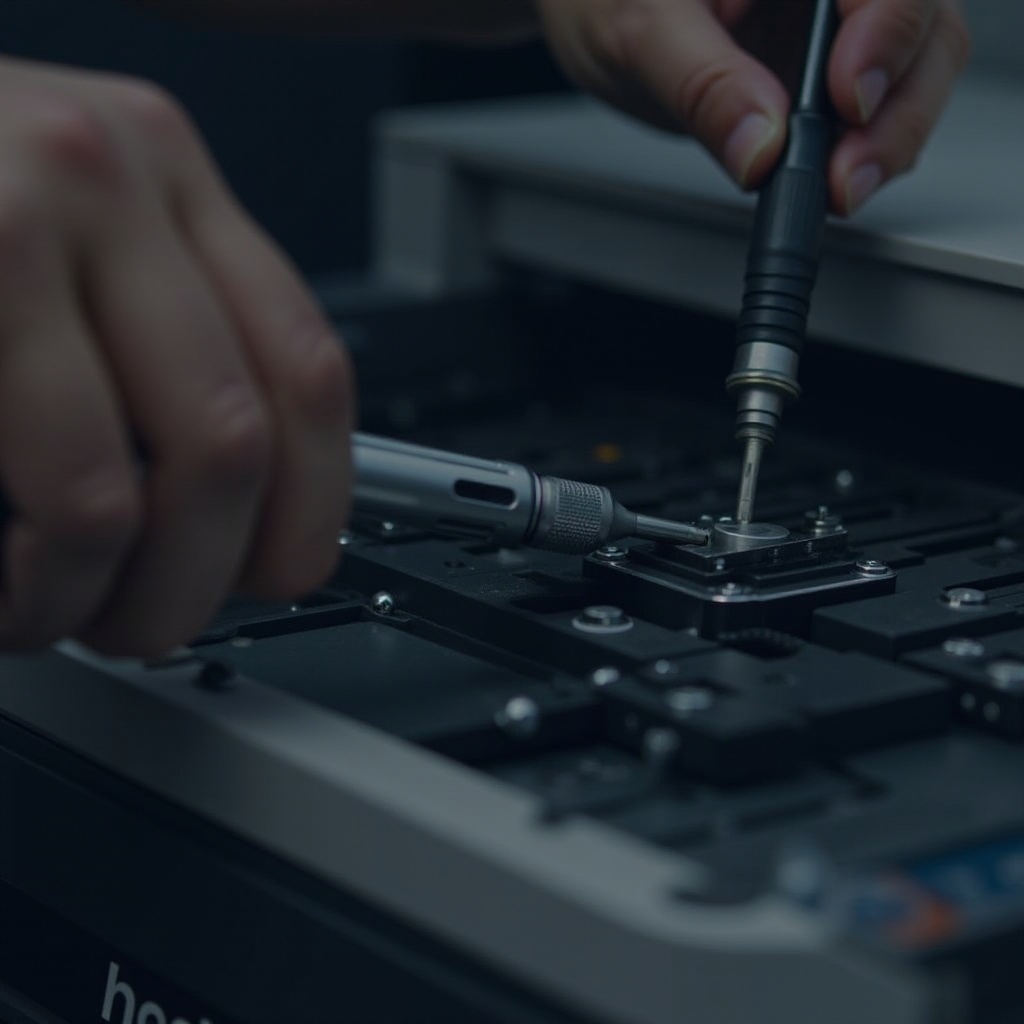
If problems persist despite your efforts, consulting a professional may be necessary. Complex issues like electrical faults or severe component damage require expert attention. If your printer is under warranty, attempting repairs yourself might void it. In such cases, professional service is the best option.
Preventive Maintenance for Fusers
Routine maintenance prevents unexpected breakdowns and extends the printer fuser’s lifespan, ensuring it works efficiently.
Regular Cleaning and Care Tips
Keep your printer fuser in optimal condition with these tips:
– Clean monthly using a damp cloth.
– Regularly remove dust and toner.
– Ensure air vents are unblocked to avoid overheating.
Best Practices for Extending Fuser Lifespan
To extend your printer fuser’s life:
– Use high-quality paper to minimize dust and debris.
– Avoid overloading the paper tray to prevent jams.
– Schedule regular professional maintenance to ensure all components function well.

Conclusion
Effectively addressing printer fuser issues involves understanding their causes, symptoms, and solutions. Regular maintenance is vital to ensuring your prints remain high-quality and your printer dependable. A proactive approach saves you time, money, and potential frustration.
Frequently Asked Questions
How do I know if my printer fuser needs replacing?
If you frequently encounter poor print quality, such as smudging or streaking, and have exhausted all troubleshooting steps, it might be time to replace the fuser.
Can I fix printer fuser problems myself?
Basic fixes like cleaning and adjustments can be done at home. However, for complex issues, it’s recommended to seek professional help.
How often should I perform maintenance on my printer fuser?
Regular maintenance, including cleaning and inspections, should be performed monthly to keep your printer in optimal working condition.