

 By
By Introduction
Xbox 360 consoles are beloved by gamers worldwide, but they are often plagued with overheating issues that can hinder performance and lead to hardware failure. If left unchecked, overheating can severely affect both your gaming experience and the lifespan of your console. Understanding the primary causes, symptoms to look out for, and effective preventive measures can help you keep your console cool and running efficiently for years. This guide will explore all these aspects to ensure you are well equipped to handle and prevent overheating problems.

Causes of Xbox 360 Overheating
Several factors contribute to the overheating of Xbox 360 consoles. Internally, the design of the console’s hardware, including its processor and graphics chip, can generate substantial heat. This heat needs to be effectively expelled; otherwise, it accumulates and leads to overheating. Externally, poor ventilation around the console, elevated ambient temperatures, and dust accumulation can exacerbate overheating issues. Recognizing these causes is crucial in formulating effective preventive measures.
Identifying Overheating Symptoms
Recognizing the signs of overheating in your Xbox 360 is essential. Early detection prevents major damage to your console. Common symptoms include the console’s power indicator flashing red lights, a phenomenon gamers grimly refer to as the ‘Red Ring of Death.’ Additionally, you might notice unusual noises from the console’s fans as they work overtime, or performance issues like freezing, lag, and unexpected shutdowns. Catching these signs early allows you to take corrective actions to mitigate damage.
Immediate Cooling Solutions
When you suspect your Xbox 360 is overheating, taking immediate measures is imperative to avoid long-term damage. Here are some steps you can take:
1. Power Down: Turn off and unplug the console to allow it to cool. Leave it unplugged for at least 30 minutes before powering it back on.
2. Improve Ventilation: Ensure the console has ample space around it for airflow. Avoid placing it in enclosed spaces like cabinets or blocking the vents.
3. Limit Usage: Manage your gaming sessions to prevent the console from getting overheated over extended play periods.
These immediate measures are essential first steps to safeguard your console from immediate harm.
Preventative Measures for Long-Term Use
To safeguard your Xbox 360 from future overheating issues, it is essential to adopt several preventative strategies:
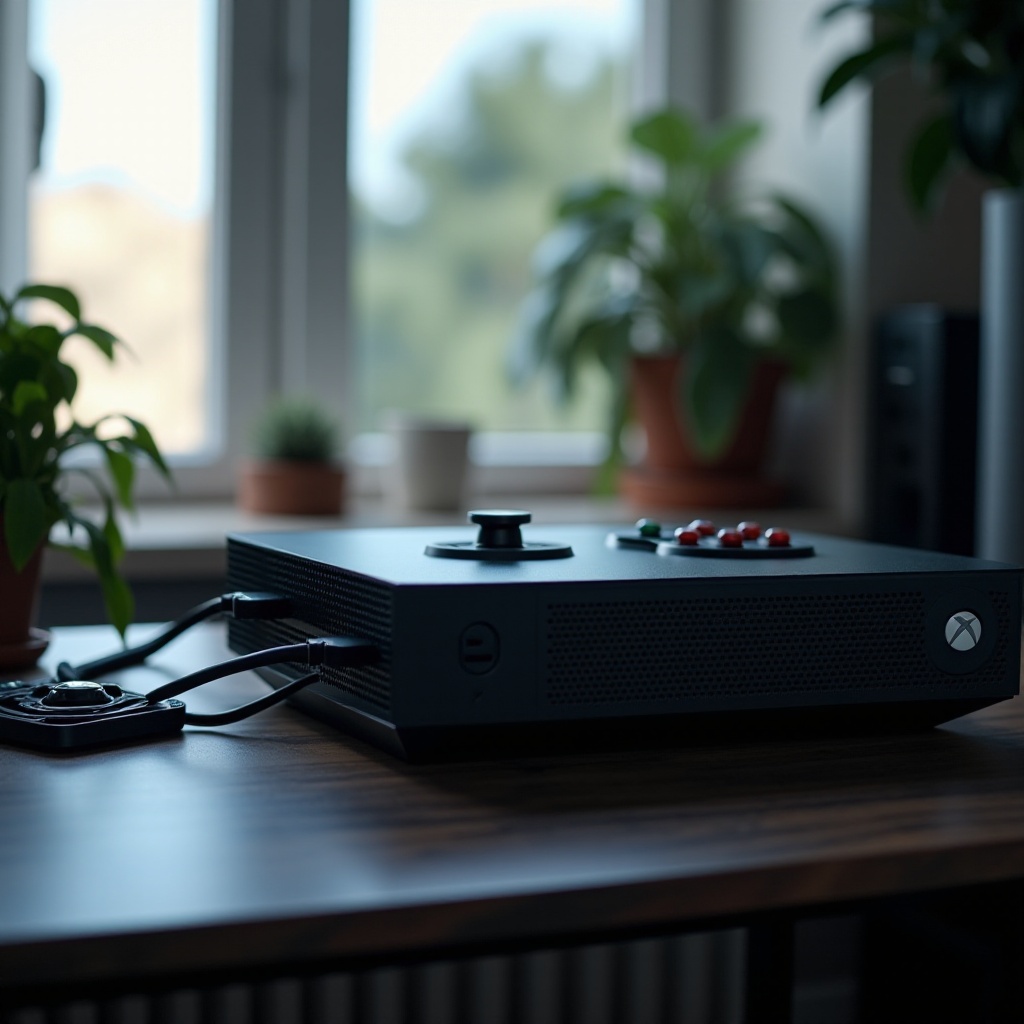
1. Set Up Properly: Position your console in a well-ventilated area, avoiding carpet and soft surfaces that obstruct airflow. Consider using a stand to enhance vent efficiency.
2. Utilize Cooling Accessories: Invest in cooling equipment such as fans or stands specifically designed for the Xbox 360, which can help stabilize operating temperatures.
3. Encourage Breaks: Regular breaks are key to letting your console cool naturally during long play sessions, which helps maintain low temperatures and prevent overheating.
Implementing these strategies ensures your console runs efficiently while enhancing its longevity.
Regular Maintenance and Repairs
Routine maintenance should be a staple of your console care routine to prevent overheating:
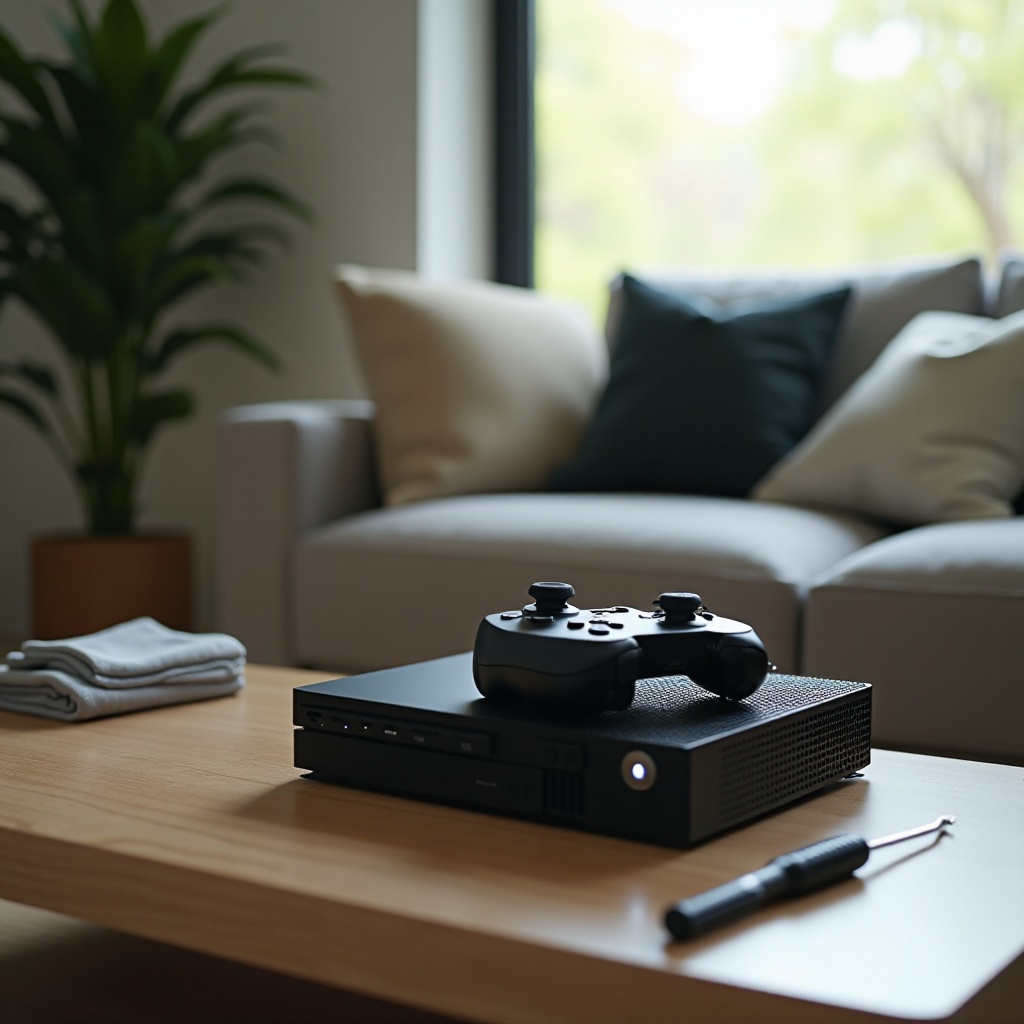
– Engage in DIY Cleaning: Regularly clean your Xbox 360, focusing on removing dust and debris. Use a can of compressed air to clean out the console’s vents and other openings.
– Professional Services: Should your console still overheat despite your best efforts, it may be time to seek professional repair services. Technicians can provide a thorough cleaning and address any underlying mechanical issues.
By integrating regular maintenance activities into your routine, you not only combat overheating but also preserve the console’s overall health and functionality.
Conclusion
Success in managing Xbox 360 overheating issues lies in a mix of immediate cooling tactics and long-term preventive measures. By recognizing the symptoms early and applying the strategies outlined in this guide, you can protect your console’s performance and extend its operational life. Prioritize maintaining your Xbox 360 to ensure you enjoy uninterrupted gaming experiences without the stress and potential cost of overheating-related damage.
Frequently Asked Questions
How can I tell if my Xbox 360 is overheating?
Watch for red lights on the power indicator, strange fan noises, or performance issues like freezing or unexpected shutdowns.
What long-term damage can overheating cause?
Overheating can result in hardware failures, graphical issues, and ultimately shorten the console’s lifespan through permanent internal damage.
Are cooling accessories effective for the Xbox 360?
Yes, cooling accessories such as external fans and stands help manage temperatures, particularly during extended gaming sessions, reducing the risk of overheating.