

 By
By Introduction
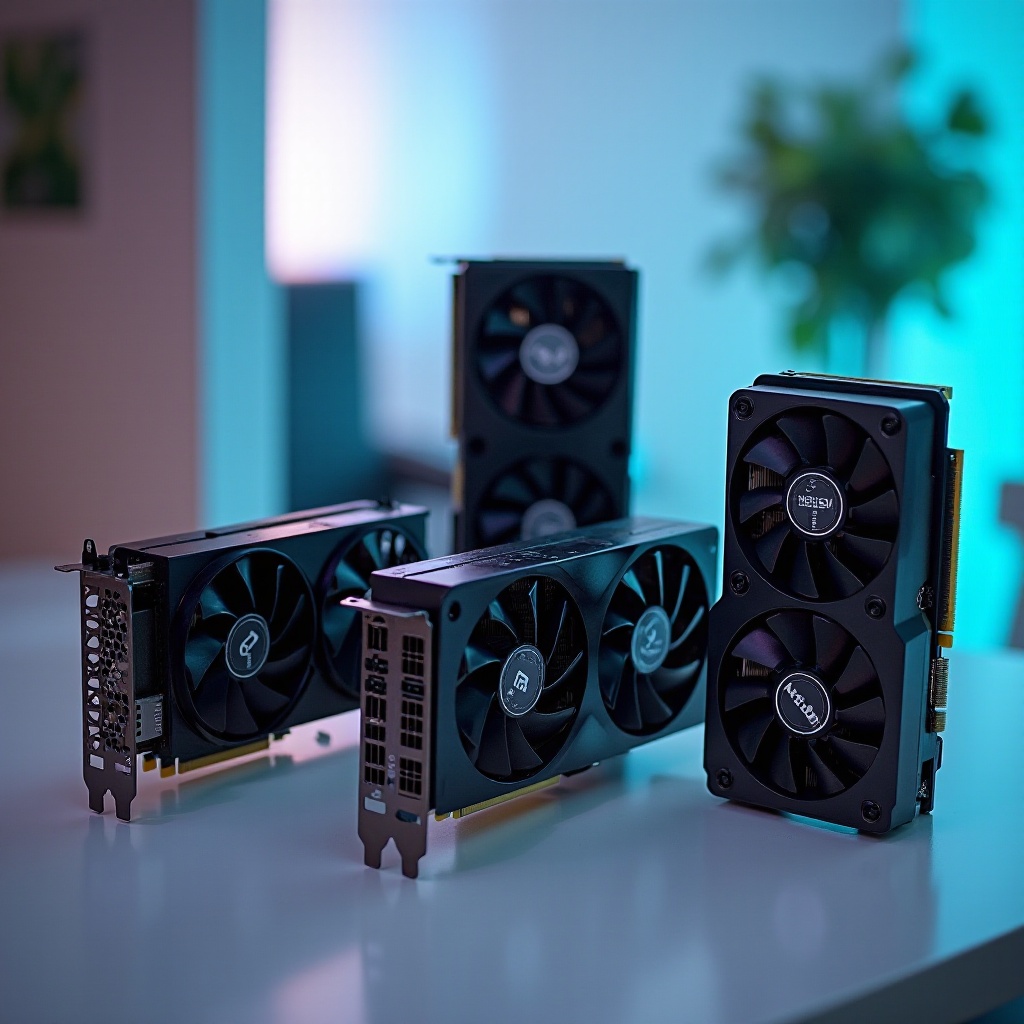
Minecraft offers a sandbox of creativity, captivating players worldwide with its endless building possibilities. Though not the most graphically intensive game, upgrading your video card can transform your experience, especially if you enjoy using mods or expansive structures. This guide highlights top budget-friendly video cards for 2024, ensuring you enjoy seamless play without overspending.
Understanding Minecraft’s System Requirements
Before diving into purchases, understanding Minecraft’s system requirements is crucial. While the game is accessible, its performance depends on your hardware, particularly with mods or high settings.
- Minimal Requirements: Minecraft requires a GPU supporting OpenGL 2.1, which most entry-level cards provide.
- Recommended Settings: For a truly immersive experience, aim for a video card capable of handling higher graphics, allowing smoother transitions and richer biomes.
A clear grasp of these requirements underscores the impact a solid GPU has on your gameplay, unlocking enhanced performance and visuals.
Criteria for Selecting Budget Video Cards
When selecting a video card, consider several key factors to guarantee a wise investment:
-
Performance Benchmarks: Identify cards providing optimal performance for their price, ensuring smooth Minecraft gameplay.
-
Importance of VRAM and GPU Architecture: Opt for cards with sufficient VRAM; essential when using high-resolution textures and mods.
-
Price vs. Performance: Evaluate both immediate and future needs, choosing a card offering longevity without exceeding budget constraints.
By focusing on these factors, you’re well-positioned to choose a video card that enhances your Minecraft experience without unnecessary costs.
Top 5 Budget Video Cards for Minecraft in 2024
Choosing the right video card elevates Minecraft’s blocky beauty to new heights. Here are top budget-friendly options:
NVIDIA GTX 1650
The NVIDIA GTX 1650 shines for its commendable performance at an affordable rate, ideal for gamers on a budget.
- Overview: Features 4GB of GDDR5 memory, ensuring smooth gameplay and visual fidelity.
- Key Features: A base clock of 1485 MHz effortlessly handles Minecraft’s climates and creations.
- Price Consideration: Priced around $150, delivering excellent value for money.
AMD Radeon RX 570
A powerhouse on a budget, the AMD Radeon RX 570 is renowned for its robust performance.
- Overview: With 4GB of GDDR5 memory, this card supports high frame rates in demanding scenarios.
- Performance Analysis: Excels in both vanilla and mod-heavy Minecraft gameplay.
- Price Point: Available around $170, it’s a smart choice for budget-conscious users.
NVIDIA GTX 1050 Ti
Despite its age, the NVIDIA GTX 1050 Ti continues to offer outstanding value for Minecraft fans.
- Features and Benefits: Equipped with 4GB GDDR5 memory, it’s adaptable and reliable.
- Performance and Pros/Cons: Provides excellent performance for the price, though limited in upgradeability.
- Value for Money: Priced at $140, it’s a worthwhile investment for gamers seeking solid budget performance.
AMD Radeon RX 560
A card that offers great value without stretching finances, the Radeon RX 560 gets the job done.
- Key Specifications: 2GB of GDDR5 memory sufficient for standard play.
- Performance Optimizing Settings: Can handle moderate graphic settings, ensuring smooth play.
- Price to Performance Ratio: Available under $120, making it very attractive for budget builds.
Intel Arc A380
As Intel enters the GPU market, the Arc A380 makes a notable impression.
- Overview and Notable Features: As a fresh contender, its 4GB video memory ensures it stands out for modern play.
- Real-world Performance: Impresses with capabilities like ray tracing in compatible settings.
- Availability and Pricing: Competitively priced at $150, offering exciting new technology.
These cards each provide distinct advantages, allowing you to choose based on specific gaming needs and interactivity preferences.
Tips for Optimizing Minecraft Settings with Budget GPUs
Maximize your budget GPU’s potential with these practical tips:
- Adjust Graphics Settings: Reduce resolution and render distance marginally to maintain high frame rates.
- Opt for Optifine Mods: This mod substantially enhances graphics performance, offering intricate control options.
- Lower Lighting Effects: Minimizing fancy lighting and shadows boosts performance significantly.
Implementing these strategies ensures you extract maximum value from your budget GPU while preserving Minecraft’s engaging visuals.
How to Choose the Right Video Card for Your Needs
Prioritize choices that suit both your current and potential future gaming demands:
-
Balancing Needs and Future-proofing: Select cards that satisfy current gameplay requirements, with an eye on handling future updates or newer games.
-
Evaluating Individual Requirements: Consider whether your focus remains solely on Minecraft or expands to other gaming pursuits, influencing your selection criteria.
Informed decisions tailored to your playing style facilitate enduring satisfaction and optimum game performance.
Conclusion
You don’t need to spend a fortune to effectively upgrade your Minecraft setup. These budget-friendly video cards make the game’s pixelated wonders accessible and enjoyable. Whether prioritizing performance, cost, or future scalability, a card within these recommendations will enhance your gaming activity. Upgrade your system today and delve deeper into Minecraft’s expansive universe.
Frequently Asked Questions
What is the best budget GPU for Minecraft in 2024?
The NVIDIA GTX 1650 is highly recommended for its balance of performance and affordability.
Can a budget video card run Minecraft smoothly?
Yes, budget video cards like the AMD Radeon RX 570 can run Minecraft smoothly on high settings.
What settings should I use for optimal Minecraft performance on a budget GPU?
Lower render distance and use the Optifine mod for optimal performance on budget GPUs.