

 By
By Bluetooth speakers provide convenience and portable sound quality. To ensure your speaker performs its best and lasts long, understanding how to charge it correctly is paramount. This guide breaks down all essential aspects, offering practical tips to keep your device in top shape.
Introduction
Bluetooth speakers have become an indispensable part of our digital lives, offering a seamless auditory experience wherever you go. However, to enjoy uninterrupted sound, you’ll need to know how to charge your speaker effectively. From understanding battery specifics to resolving charging issues, this guide provides comprehensive insights whether you’re a tech enthusiast or a casual user.
Understanding Your Bluetooth Speaker’s Battery
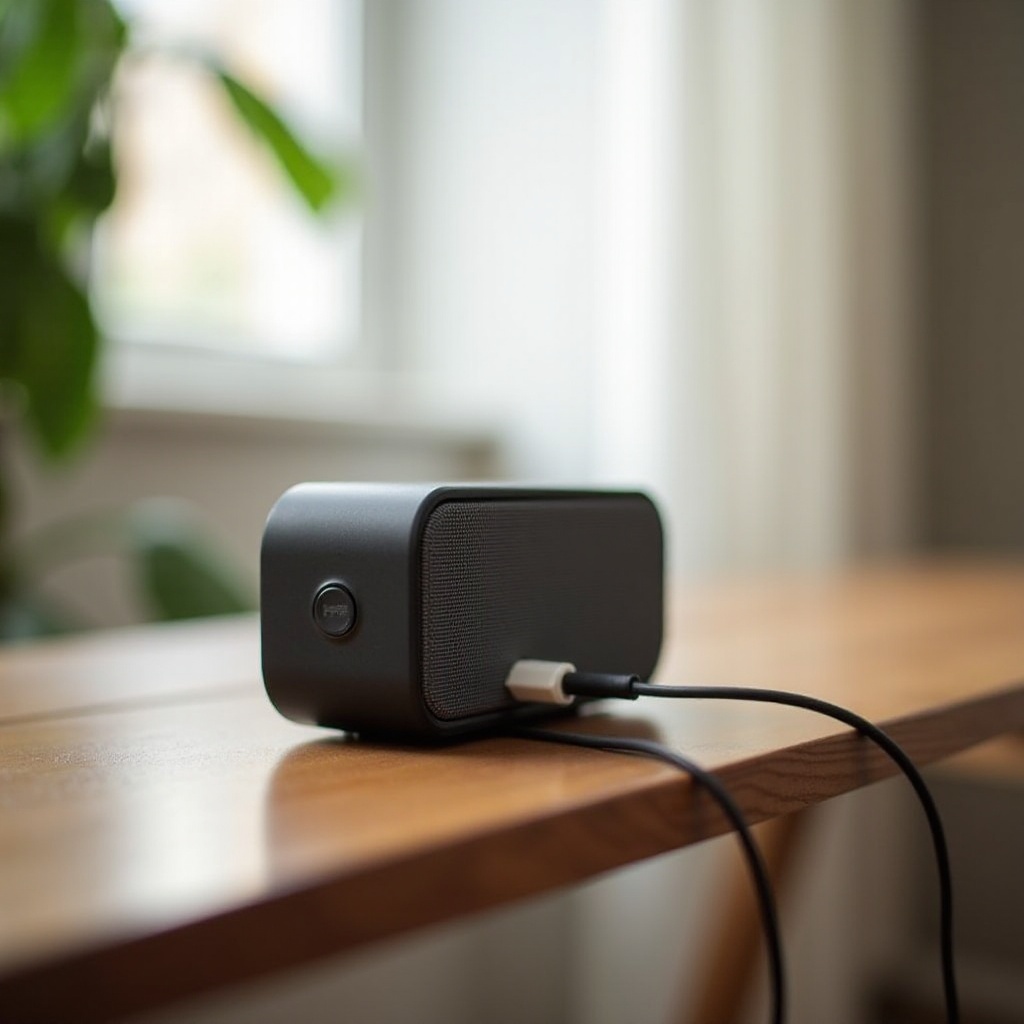
At the heart of every Bluetooth speaker lies a powerful battery. Most of these devices use lithium-ion or lithium-polymer batteries because of their efficiency and durability.
– Types of Batteries in Bluetooth Speakers: Lithium-ion batteries are common due to their reliable, efficient energy storage. Lithium-polymer batteries, although more flexible in design, tend to offer a slightly shorter lifespan.
– Battery Capacity and Charging Time: The higher the milliampere-hour (mAh) rating, the longer the speaker will play. However, a higher capacity also means longer charging times.
Understanding your speaker’s battery type and capacity will guide your choice of accessories, which is the next critical step.
Essential Charging Accessories
Using the right charging accessories is crucial. Incorrect chargers and cables can damage your speaker or reduce its lifespan.
- Choosing the Right Charger: Always use chargers that match the voltage and amperage requirements of your speaker, as outlined by the manufacturer.
- Importance of Using Original Accessories: OEM cables and chargers ensure compatibility — third-party accessories may cause inefficiencies and harm the battery over time.
Having the right accessories is key, but equally important is following a proper charging procedure to keep your device powered.
Step-by-Step Charging Instructions
Ensuring a comprehensive approach, follow these steps for effective charging:
- Charging via Wall Outlet:
- Connect your charger to the speaker’s charging port and a wall socket.
-
Observe the indicator light, which usually signals when a full charge is reached.
-
USB Charging Options:
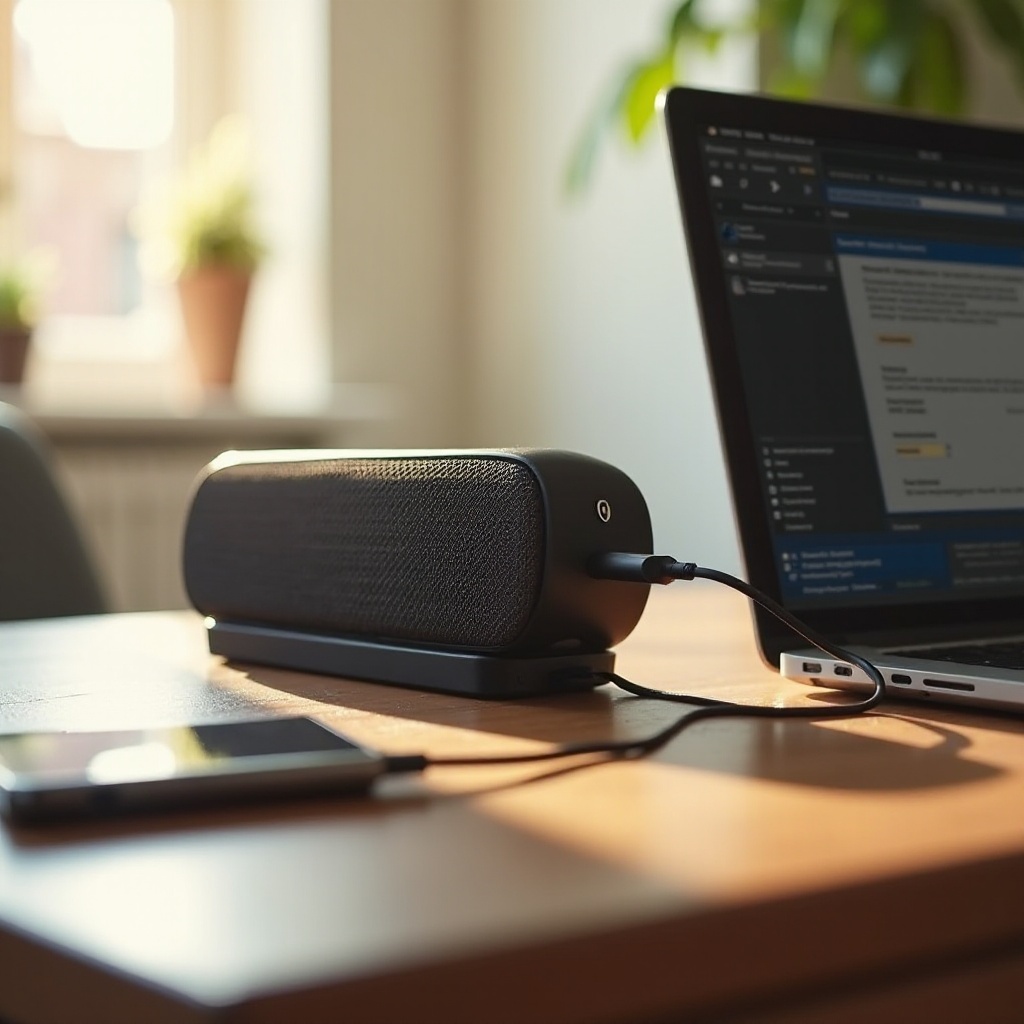
- Using a USB cable, connect your speaker to a powered USB source like a computer.
-
Ensure the source device is fully powered on to allow charging.
-
Using a Power Bank:
- Connect your speaker to a portable power bank for charging on the move.
- Ensure your power bank can deliver the required power for charging.
Following these instructions helps preserve battery life. In addition, it’s important to cultivate habits that further extend your speaker’s battery life.
Maximizing Battery Life
To enhance the lifespan and efficiency of your speaker’s battery, adhere to these suggestions:
- Best Practices for Charging:
- Maintain the charge level between 20% and 80% to reduce stress on the battery.
-
Opt for frequent shorter charging sessions rather than all-day charging.
-
Avoiding Overcharging:
- Disconnect the charger once the battery is full.
- Frequently check the charge to prevent extended plugging.
Proper charging practices ensure your device lasts longer and performs better. Despite following these steps, some issues may still arise.
Troubleshooting Common Charging Issues
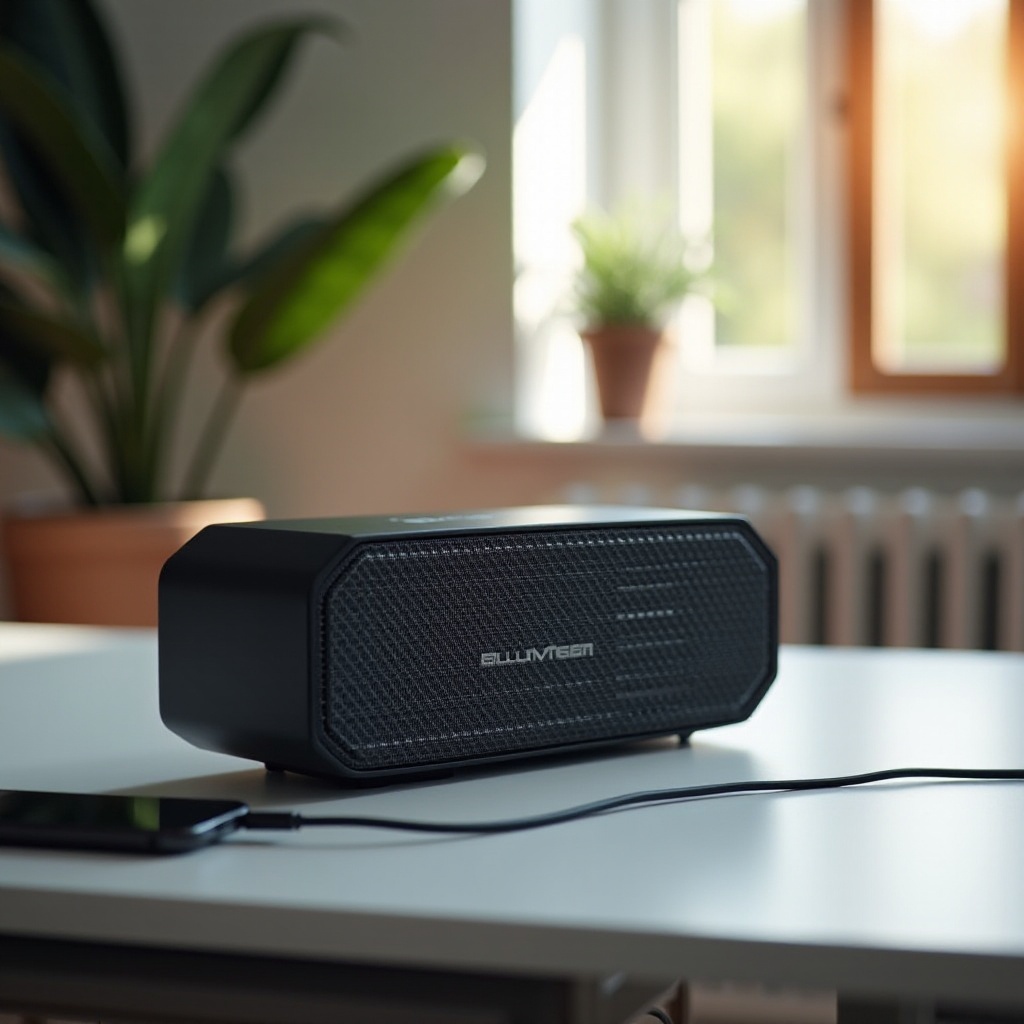
Encountering issues during charging can be frustrating, but many are easily resolved:
- If Your Speaker Doesn’t Charge:
- Double-check all connections and cleanliness of the charging port.
-
Swap out the charger and cable to test with different accessories.
-
Handling Slow Charging:
- Confirm that the power source is capable of delivering proper current specifications.
-
Ensure no apps or playback is draining battery life during charging.
-
Dealing with Overheating:
- Avoid charging in direct sunlight.
- Allow the speaker to cool before resuming charging if it overheats.
These solutions aim to swiftly resolve any charging issues, ensuring you’re never without your music.
Conclusion
Mastering proper charging techniques and understanding your speaker’s battery are vital to its performance and longevity. By selecting suitable accessories, delineating charging routines, and swiftly addressing charging challenges, you’ll ensure your Bluetooth speaker functions efficiently whenever needed.
Frequently Asked Questions
Can I use any USB cable to charge my Bluetooth speaker?
Using the original USB cable is best, but a compatible high-quality cable can be used if necessary.
How long should I charge my Bluetooth speaker for optimal performance?
Typically, charging takes 3-4 hours. Follow your device manual for precise recommendations.
What should I do if my Bluetooth speaker gets hot while charging?
Unplug it immediately, allow cooling, and avoid charging in hot environments in the future.