

 By
By Introduction
Encountering a stuck disk in your PS4 can be frustrating, but it’s a common problem that can often be resolved with some simple steps. Addressing the issue swiftly is crucial not just for your sanity, but to prevent potential damage to both your disk and your console. This guide aims to provide practical, step-by-step solutions to help you resolve this problem effectively. Along with solutions, you’ll find preventive tips to keep your PS4 running smoothly.
Understanding the PS4 Disk Stuck Issue
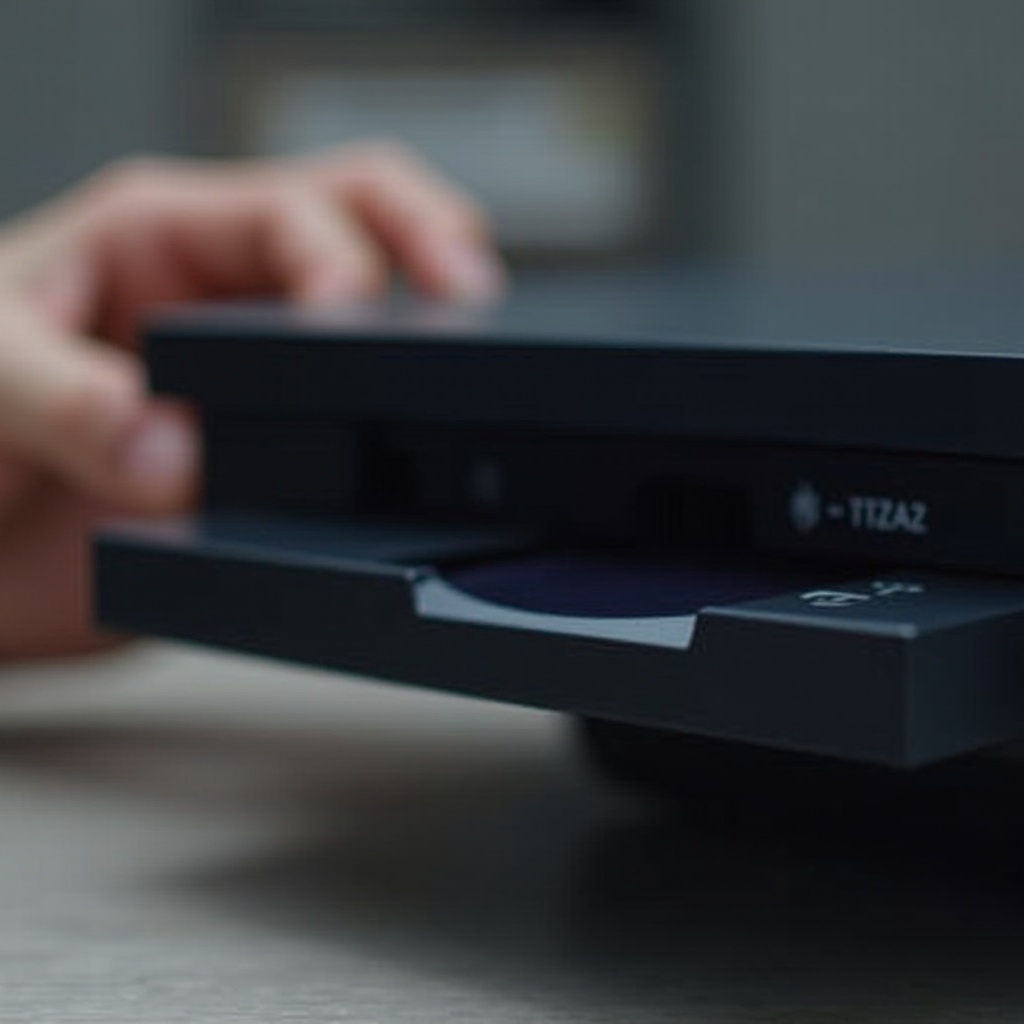
A stuck disk can occur due to several factors, such as mechanical failures in the disk drive or a buildup of dust and debris. It’s important to recognize the signs early on. If your PS4 emits strange noises or struggles to read or eject a disk, it might be facing a stuck disk issue. Quick intervention is key to minimizing damage and restoring your console’s performance.
Once you’re aware of the causes and signs, you can start troubleshooting effectively. Let’s move on to the first steps you should take when you encounter this problem.
Initial Troubleshooting Steps
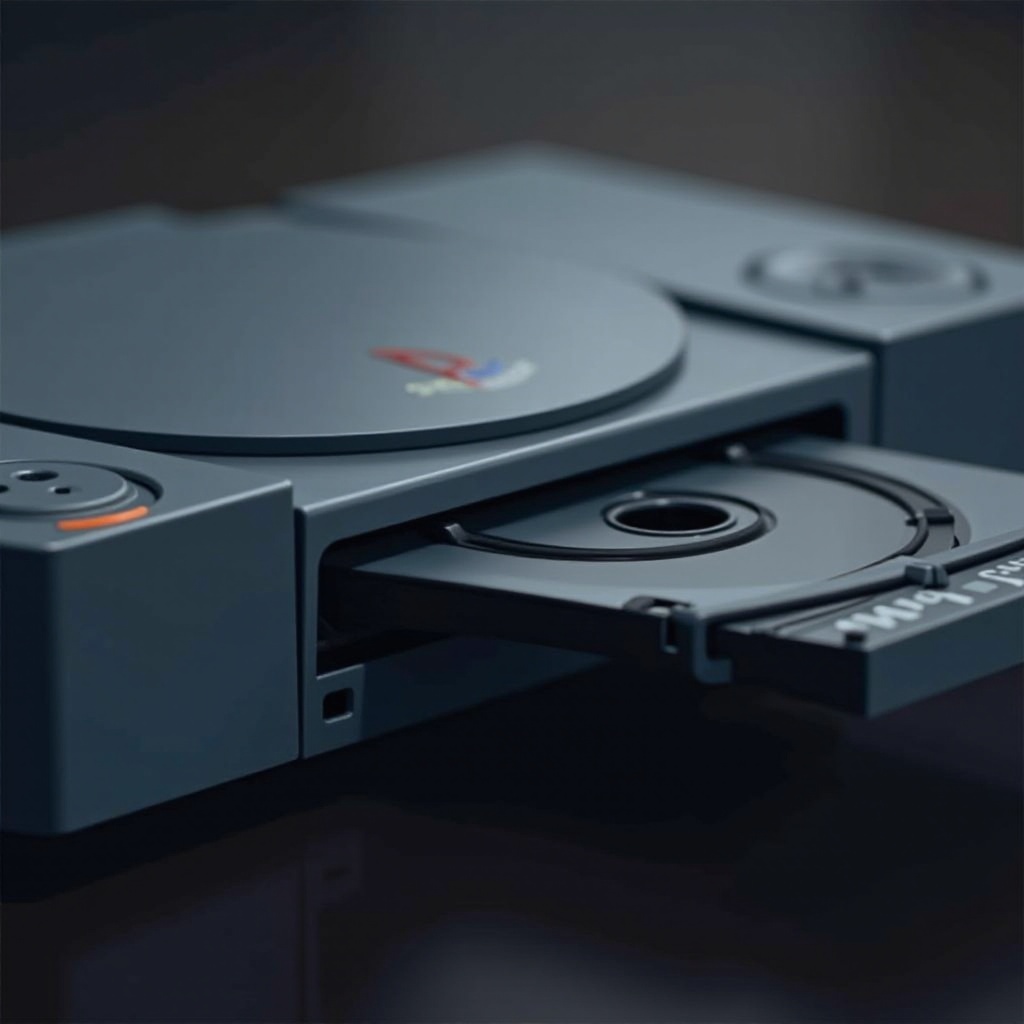
Sometimes, simple actions can resolve a stuck disk issue:
- Power Off the Console:
- Start by completely powering off your PS4. Hold down the power button until you hear two beeps to ensure it’s entirely off.
-
Unplug the power cable and all connected cables. Wait for a few minutes before proceeding to the next step.
-
Attempt a Manual Eject:
-
Gently press the eject button multiple times to see if the disk will come out.
-
Use the Controller for Software Eject:
- Turn the console back on and attempt to eject the disk through the ‘Settings’ menu on your controller.
These initial solutions can often fix minor issues. However, if the problem continues, consider more advanced techniques.
Advanced Techniques for Disk Removal
If basic troubleshooting doesn’t work, try these advanced methods:
- Using the Manual Eject Screw:
- Ensure your PS4 is turned off and unplugged.
- Place your PS4 on a flat surface and remove the plastic cover. You’ll find a manual eject screw.
-
Insert a screwdriver and gently turn it counter-clockwise until the disk emerges.
-
Carefully Opening the Console:
- Only proceed if you’re comfortable, as improper handling could void warranties.
- Open the casing and manually extract the disk by gently manipulating the components.
Successfully removing a stuck disk requires careful handling. After resolving the issue, it’s important to engage in preventive maintenance to avoid recurrence.
Preventive Measures and Maintenance
Regular maintenance can greatly reduce the likelihood of encountering future disk issues:
- Firmware and Software Updates:
-
Keep your PS4’s firmware updated to prevent system bugs that can lead to disk errors.
-
Proper Disk Handling:
-
Handle disks by the edges to prevent scratches or dust buildup.
-
Regular Cleaning:
- Dust and debris can accumulate over time. Use compressed air to clean your console and disk drive every few months.
Implementing these preventive strategies can enhance the longevity and performance of your PS4, ensuring a seamless gaming experience.
When to Seek Professional Help
There are times when it’s best to seek professional repair services. If you’re repeatedly experiencing disk issues or suspect hardware damage, consult a professional.
- Indicators of Hardware Issues:
-
Continuous failure to eject disks or persistent errors require expert attention.
-
Understanding Warranties and Repair Services:
- Check if your console is still under warranty to minimize repair costs.
Knowing when to seek professional help can save costs and prevent additional damage to your console.

Conclusion
A stuck PS4 disk is a common but solvable problem. With the right knowledge and actions, you can confidently address this issue. By understanding the causes, applying quick fixes, and maintaining your console, you can preserve your PS4’s performance and longevity. Remember, professional help is always a good option if you’re uncertain.
Frequently Asked Questions
How do I safely remove a stuck disk from my PS4 without causing damage?
You can use the manual eject screw method mentioned in this guide to safely remove the disk without damaging the console or the disk itself.
Can a stuck disk damage my PS4 or the disk itself?
Yes, forcing the disk out can harm both the PS4 drive and the disk. It’s vital to follow the proper steps to minimize any potential damage.
What should I do if my disk gets stuck repeatedly?
Ensure regular maintenance and updates. If the issue persists, consult a professional to check for potential hardware faults.